Setting up a secure home network is no longer optional—it’s essential. As smart devices, laptops, and phones continue to proliferate, the risk of unauthorized access grows daily. A secure network protects sensitive data, ensures reliable connectivity, and prevents cyber threats. Understanding the fundamentals of home network security allows you to enjoy fast internet without compromising privacy. This guide walks you through actionable steps to secure your home network, whether you’re a tech enthusiast or a casual user.
Understanding Home Network Security
A secure home network starts with understanding its key components. Your network typically includes a modem, router, and the devices connected to them. The router is the central hub that manages traffic and provides access to your internet service. If this hub is vulnerable, every device on the network is at risk. Knowing this, securing the router and properly configuring your network settings becomes a top priority. Additionally, recognizing common threats like malware, phishing, and unauthorized access helps you take preventive measures.
Choosing the Right Router for Security
Not all routers are created equal when it comes to security. Investing in a router with advanced security features ensures better protection. Look for routers with built-in firewalls, automatic firmware updates, and strong encryption protocols such as WPA3. These features provide layers of defense against intrusions. Additionally, a high-quality router improves network performance, offering both speed and stability for multiple connected devices, which is crucial in modern households.
Updating Firmware Regularly
Firmware updates are critical to maintaining network security. Router manufacturers release updates to patch vulnerabilities that hackers may exploit. Enabling automatic updates ensures you always have the latest protections. If your router lacks automatic updates, set a schedule to check for updates manually. Neglecting this step can leave your network exposed to risks that could easily be avoided.
Using Strong, Unique Passwords
One of the simplest yet most effective ways to secure your home network is with strong passwords. Default passwords are widely known and easy to exploit. Replace them with complex combinations of letters, numbers, and symbols. Additionally, using unique passwords for each device and account prevents a single breach from compromising multiple systems. Consider a password manager to handle complex credentials without the hassle of memorization.
Securing Wi-Fi Connections
Wi-Fi is convenient but inherently vulnerable if not properly secured. Start by renaming your network to something unique that does not reveal personal information. Avoid using your name or address in the network name. Next, ensure that encryption is enabled. Modern routers use WPA3 encryption, which is far more secure than outdated standards like WEP. Turning off features like WPS, which can be exploited, adds another layer of protection.
Segmenting Your Network
Network segmentation creates separate access zones for different devices. For example, keep smart home devices on a separate network from laptops and smartphones. This limits the impact of potential intrusions. If a smart device is compromised, it cannot access sensitive files or accounts on your primary devices. Many routers allow you to create guest networks, which also serve this purpose without affecting the main network performance.
Limiting Device Access
Managing which devices can connect to your network is a practical security step. Routers often include features to whitelist trusted devices while blocking unknown connections. Monitoring connected devices regularly helps detect unauthorized access early. If a suspicious device appears, disconnect it immediately and consider changing network credentials. Staying vigilant is key to preventing persistent threats.
Enhancing Security with Additional Tools
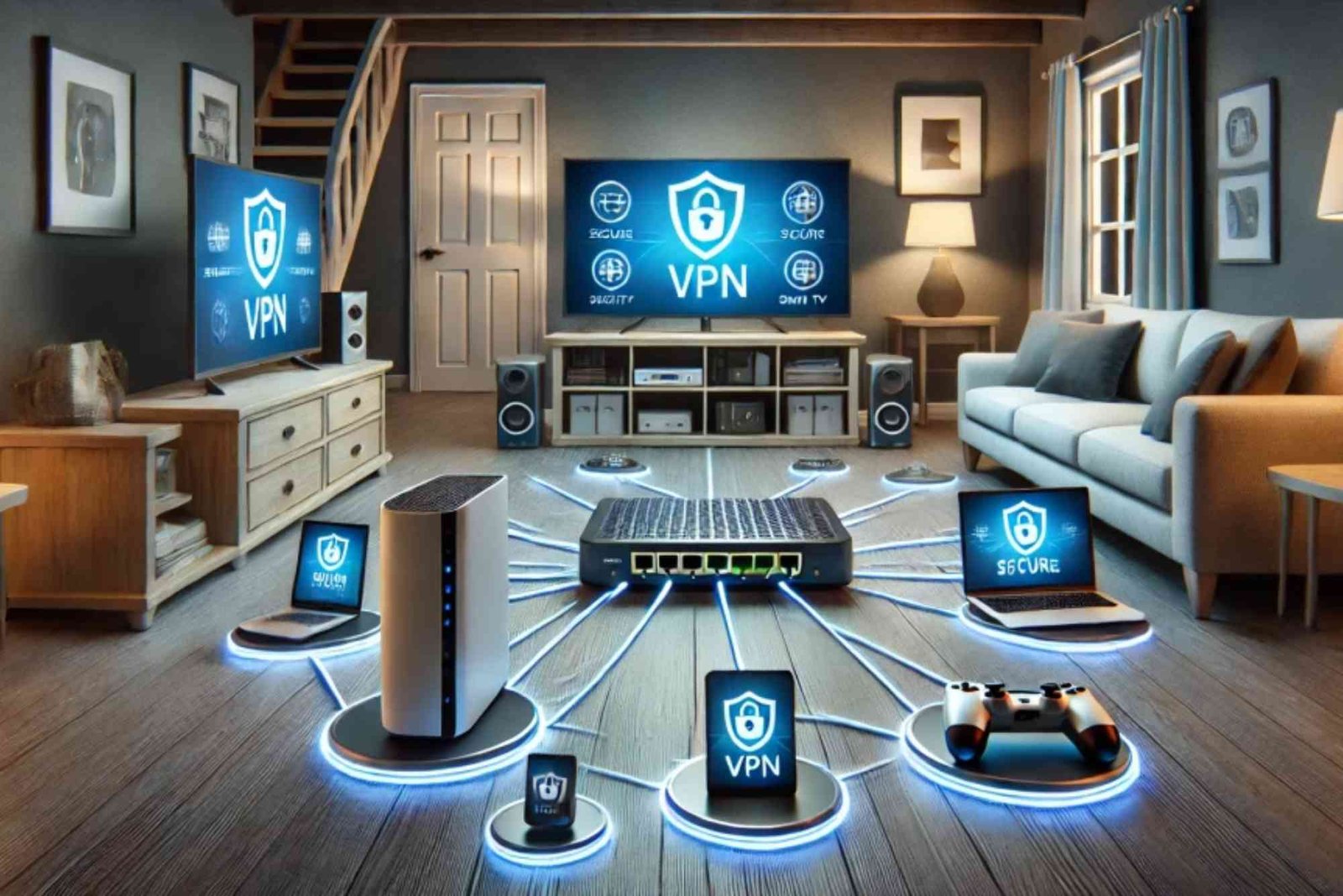
Beyond router settings, additional tools can fortify your home network. Firewalls, antivirus software, and VPNs provide extra protection for connected devices. Firewalls monitor incoming and outgoing traffic, blocking suspicious activity. Antivirus programs detect malware before it can cause damage, while VPNs encrypt internet traffic, adding privacy for online activities. Together, these tools create a multi-layered defense that strengthens overall network security.
Educating Household Members
Network security is most effective when everyone in the household participates. Teaching family members about safe online behavior reduces risks from phishing emails or unsafe downloads. Encourage regular software updates, cautious password sharing, and awareness of suspicious links. A knowledgeable household becomes the first line of defense, complementing technical security measures.
Monitoring Network Activity
Even after setting up a secure home network, ongoing monitoring is vital. Modern routers offer dashboards to view connected devices, bandwidth usage, and unusual activity. Keeping an eye on these indicators helps detect problems early. For example, unexpected spikes in traffic could signal malware or unauthorized access. Regular monitoring ensures that your network remains secure as new devices and updates are added over time.
Backing Up Important Data
Network security also includes protecting your data. Regular backups ensure that even if a breach occurs, critical information remains safe. Cloud backups and local storage both offer reliable options. Scheduling automatic backups reduces the chance of human error and ensures continuity in case of device failure or cyberattack.
Troubleshooting Common Network Security Issues
Occasionally, How to Set Up a Secure Home Network even well-secured networks encounter issues. Slow connections may indicate interference or outdated firmware. Repeated unauthorized access attempts might require changing passwords or reviewing device access rules. Understanding these issues and knowing how to respond helps maintain a secure environment without excessive frustration. Troubleshooting should be approached systematically to avoid unnecessary disruptions.
Stay Secure, Stay Connected
Setting up a secure home network is a continuous process that combines technology, vigilance, and smart habits. By choosing the right router, applying strong passwords, enabling encryption, and monitoring activity, you create a safe environment for every connected device. Remember, network security is not a one-time task but a lifestyle that protects your data and privacy. Take action today to secure your home network and enjoy uninterrupted, worry-free connectivity.
FAQ
How do I make my home Wi-Fi more secure?
Start by changing your default router password, enabling WPA3 encryption, and regularly updating firmware. Additionally, avoid sharing passwords with untrusted individuals.
Can I use a VPN on my home network?
Yes, a VPN encrypts your internet traffic and adds privacy. It can be installed directly on a router or individual devices.
What is the difference between WPA2 and WPA3 encryption?
WPA3 is the latest standard offering stronger encryption, better protection against brute-force attacks, and enhanced privacy for connected devices.
Do smart home devices need a separate network?
Yes, creating a segmented network for smart devices limits potential risks and prevents intrusions from affecting critical devices like laptops or smartphones.
How often should I update my router firmware?
Check for updates at least once a month or enable automatic updates. Firmware patches address vulnerabilities and improve security.